

Description
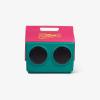
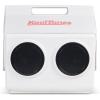
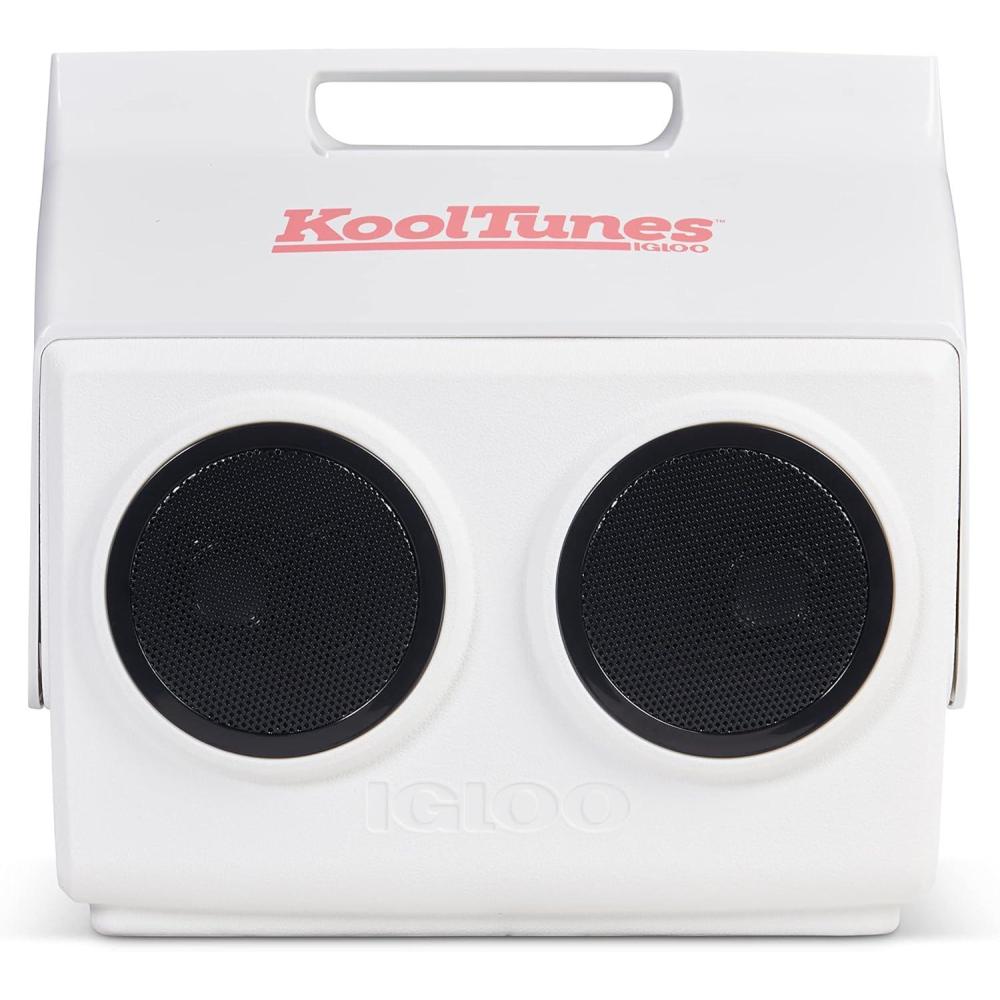
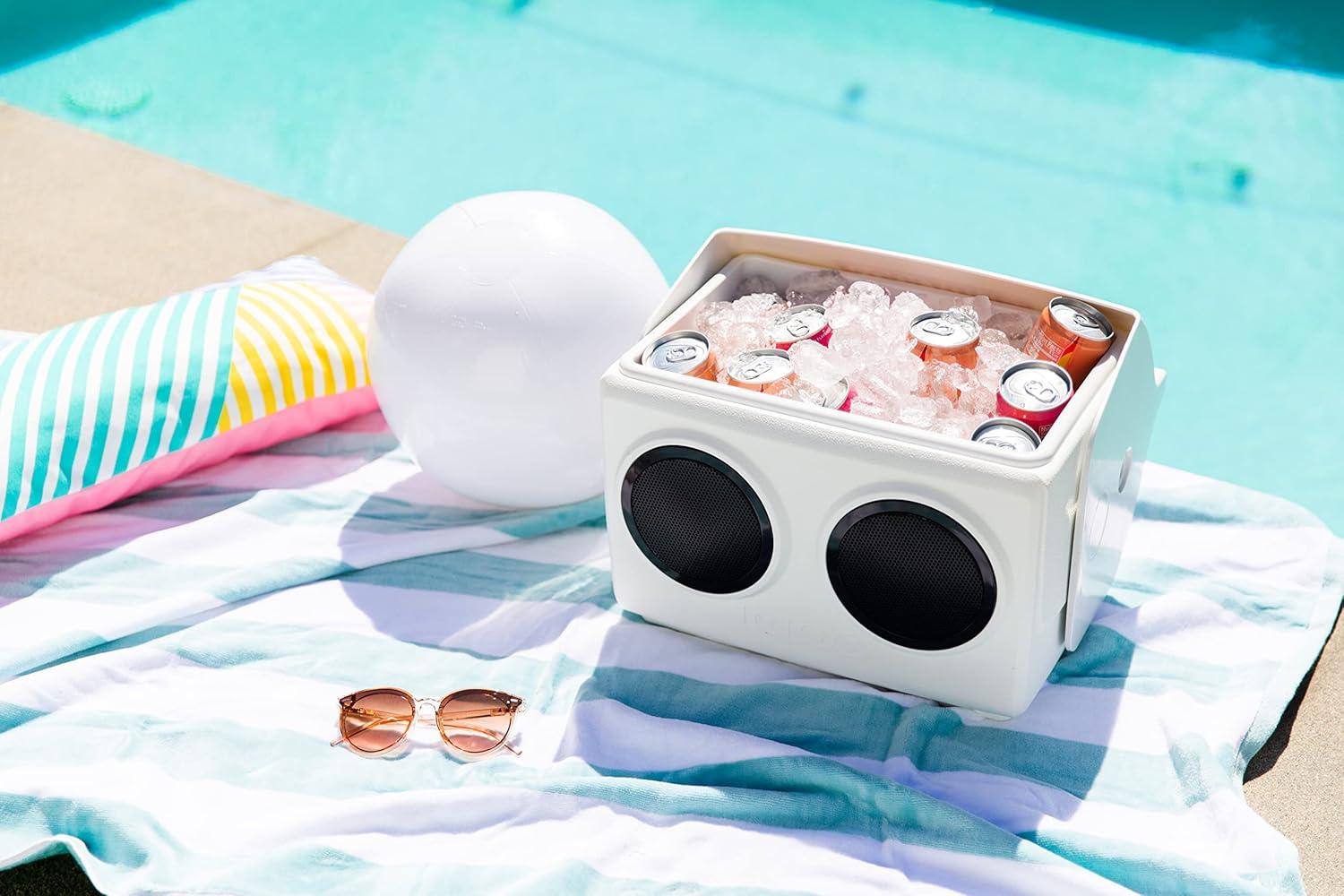
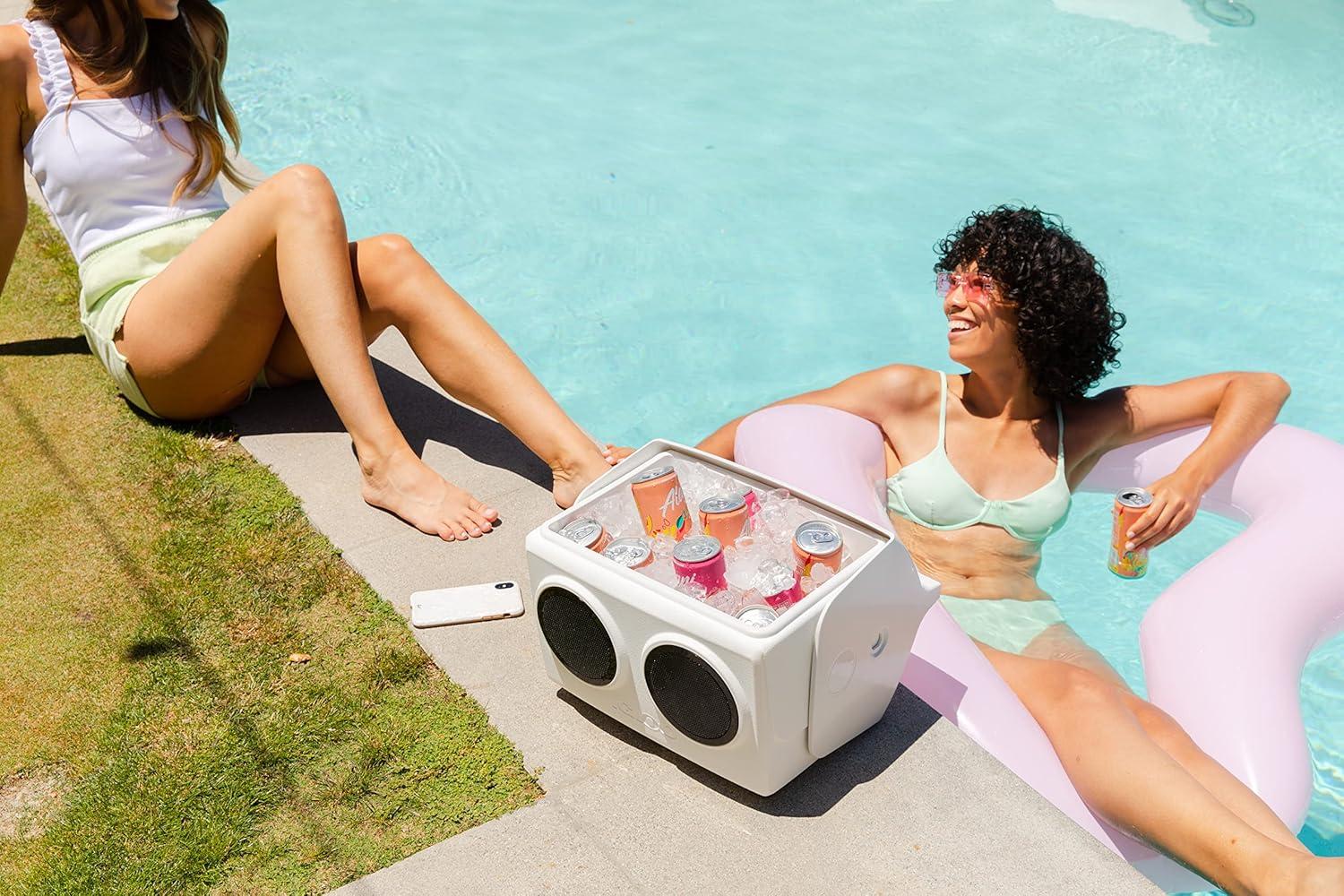
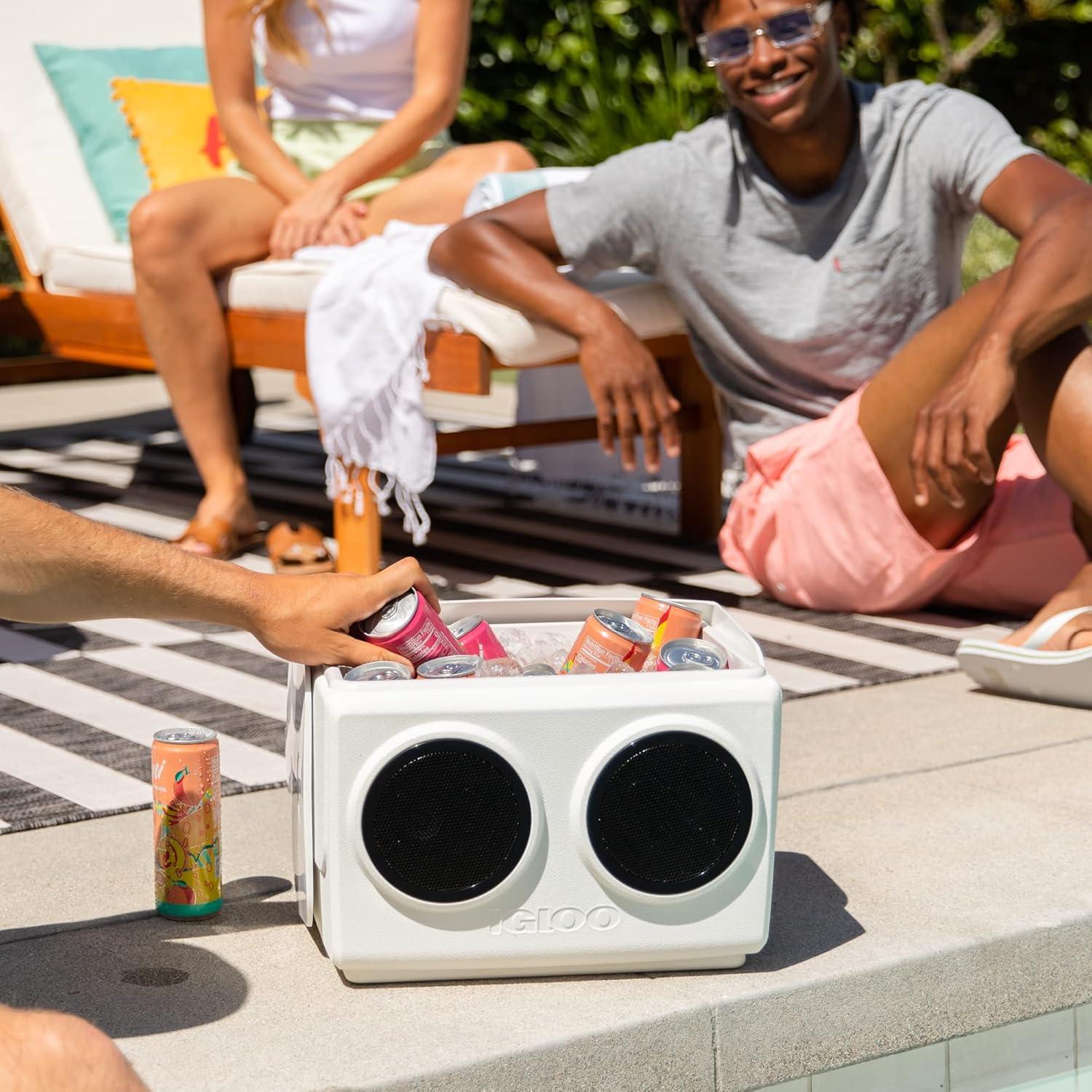
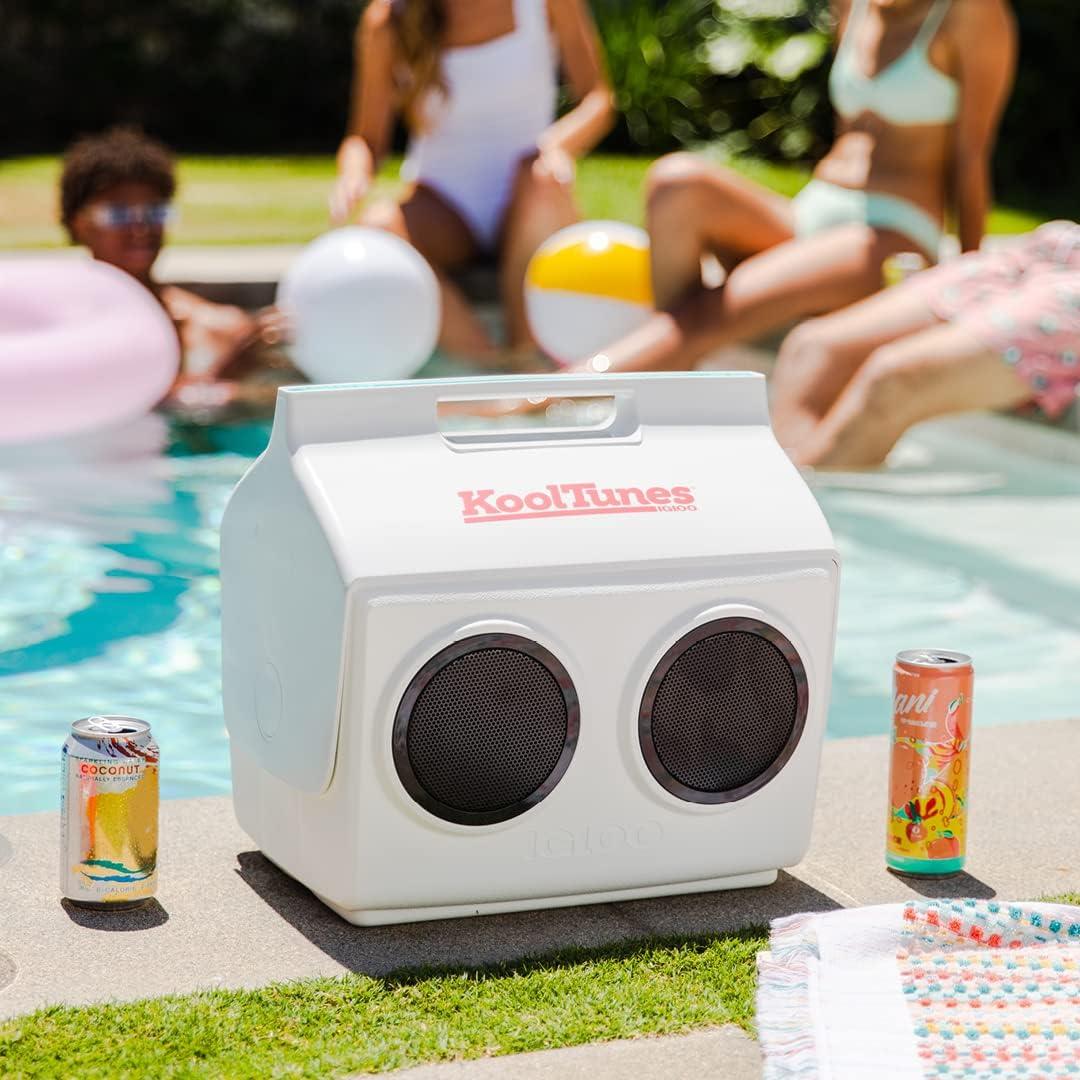
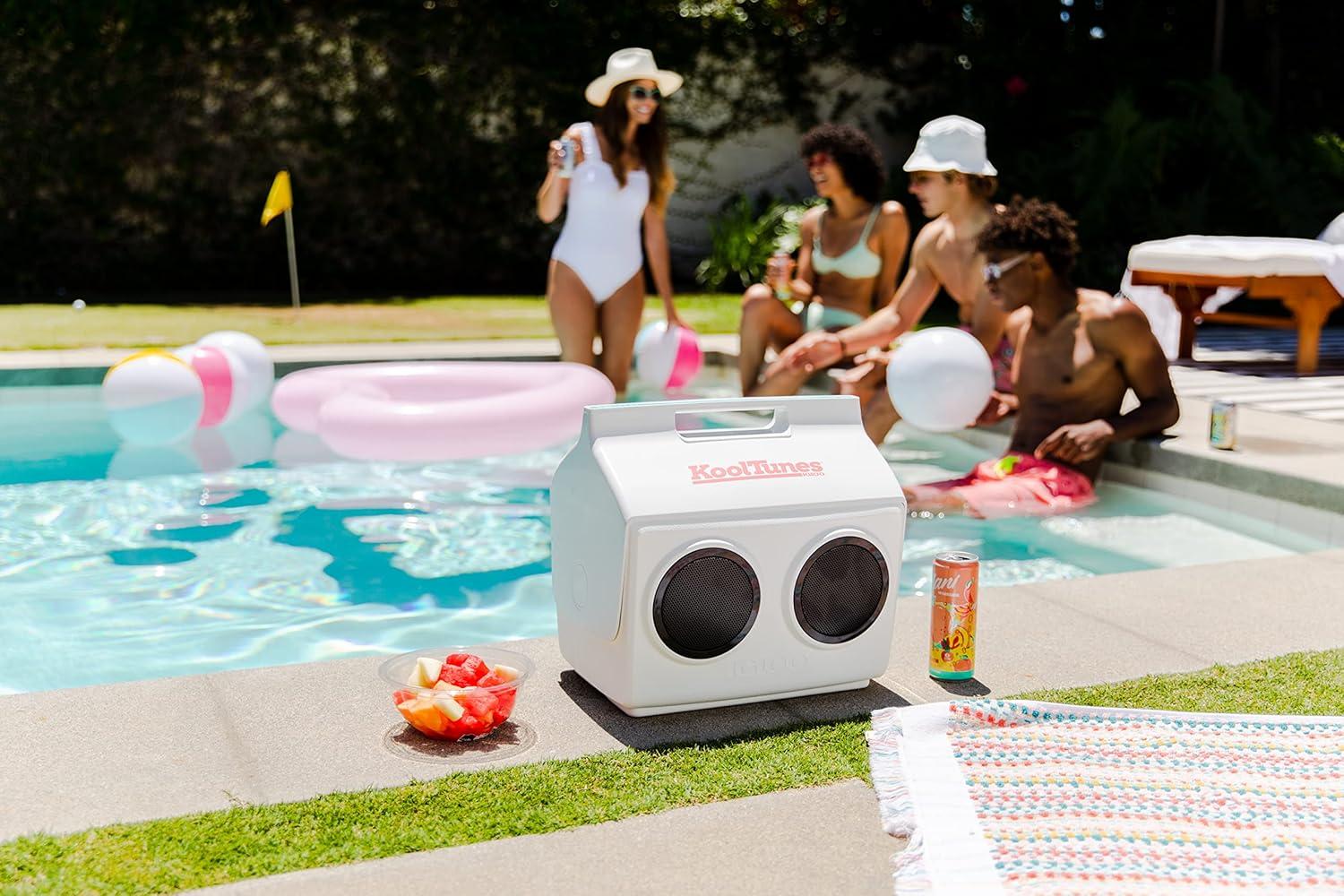
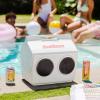
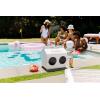
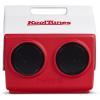
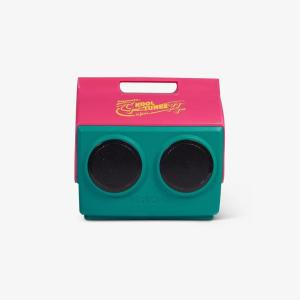
It’s a cooler. It’s a boombox. It’s a blast from the past! We revisited 1989 to bring back our popular KoolTunes, a Playmate with built-in speakers — the party-perfect cooler! But, this time, it’s back and better than ever with wireless Bluetooth connectivity, KoolSync true wireless stereo pairing (so you can pump up the volume with stereo sound using TWO KoolTunes), weather-resistant exterior, extended playtime and more. Product Details Left Modern boombox cooler with a retro look Playmate Classic 14-quart cooler with two built-in twin speakers Two low-profile 5-watt speakers with passive radiators deliver a premium sound experience with punchy bass & dynamic frequency response range of 80Hz-20kHz Bluetooth 5.0 wireless pairing technology KoolSync true wireless stereo (TWS) pairing technology easily allows you to sync the Bluetooth speakers of two KoolTunes coolers for an immersive stereo sound experience; not backward compatible, both units must feature KoolSync technology to enable this feature IP56-rated water- & dust-resistant design Up to 10 hours of audio playtime on a single charge Auto-connect feature makes playing audio convenient; when powered on, KoolTunes will automatically connect to the last Bluetooth-paired device Rechargeable internal lithium-ion battery 3-foot USB charging cable included Control panel on back includes LED status indicator, charging port & power, Bluetooth pairing & volume buttons Trademarked tent-top design is easy to use & carry Original side push-button design for easy opening & secure closing Lid swivels open to either side for easy access to contents Secure lid helps prevent spills Molded-in handle for one-handed carrying capability Put the size into perspective: Holds 26 cans Item #: x00027531 Care Instructions Left Wipe interior and exterior surfaces clean before storing and between uses. To prevent stains and odors, empty cooler of contents after use. Light dirt or stains can be cleaned with water or mild detergent. Tougher stains may be cleaned with diluted solution of baking soda and water. Ensure all cleaning agents are thoroughly rinsed and the cooler is dry before storage. How to Use KoolSync Left To Connect KoolSync: Power on KoolTunes #1 (the primary unit) and connect it to your smart device before attempting to sync with KoolTunes #2 (secondary unit). To connect your smart device: Long-press the Bluetooth button and select “KoolTunes” in your device’s Bluetooth settings. Once KoolTunes #1 is connected to your device, power on KoolTunes #2. To enter KoolSync pairing mode, KoolTunes #2 must not be actively connected to any smart device. Make sure it is disconnected first. While the light is flashing on KoolTunes #2 (indicating “searching”) quick-press the Bluetooth button on KoolTunes #2 to enable KoolSync mode. You should hear the “KoolSync enabled” audio confirmation from KoolTunes #1 and #2 speakers. Once KoolSync has connected both KoolTunes, you should hear “KoolSync paired” audio confirmation from the speakers and the light on both KoolTunes will display as solid blue. Play any audio from your device and enjoy stereo sound from KoolTunes #1 and #2! While in KoolSync mode, KoolTunes #1 will play the right audio channel (serving as the right speaker) and KoolTunes #2 will play the left audio channel (serving as the left speaker). To Disconnect KoolSync: Press and hold the Bluetooth button on either KoolTunes #1 or #2 for 6 seconds. Once KoolSync is disconnected you’ll hear the “disconnected” audio confirmation from both KoolTunes #1 and #2 speakers. KoolTunes #1 will remain connected to your smart device and still display a solid blue light. KoolTunes #2 will revert back to Bluetooth searching mode and will display a flashing blue light. You may now power off KoolTunes #2. Troubleshooting KoolTunes Left KoolTunes secondary unit won’t go into KoolSync searching mode Once the secondary unit is powered on, make sure that the light is flashing. To put KoolTunes in “KoolSync searching”, quick-press the Bluetooth button. Older KoolTunes is not KoolSync pairing with new KoolTunes KoolTunes is currently not backward compatible. If you purchased a KoolTunes between May 2022 and March 2024, you likely own a first-generation unit that is not compatible with second-generation KoolTunes featuring KoolSync released in March 2024. Generation 2 KoolTunes have a “KoolSync Enabled” label/sticker on the back control panel. Button functions on new KoolTunes are different than older KoolTunes All buttons are physically the same between the first and second generations of KoolTunes. However, the Bluetooth button on the second-generation (KoolSync enabled) KoolTunes has a dual function: Long-pressing this button enables Bluetooth pairing while quick-pressing the button enables KoolSync pairing. The solid blue light indicates KoolTunes is in KoolSync mode but units are not synced If you enable KoolSync but take no further action, after some time the feature may time out and your KoolTunes coolers may no longer be synced — even if the lights are still displaying solid blue. The audio coming from both KoolTunes speakers sounds a little different from each other This is to provide an immersive stereo sound experience. While in KoolSync true wireless stereo mode, KoolTunes #1 (primary unit) will play the right audio channel (serving as the right speaker) and KoolTunes #2 (secondary unit) will play the left audio channel (serving as the left speaker). The Bluetooth or KoolSync connection seems weak/unstable To strengthen the Bluetooth and KoolSync connection, turn the units so the speakers are facing away from each other (and the control panels facing each other). Also, please be aware that as the KoolTunes battery power decreases so will the strength of the Bluetooth and KoolSync connections. When one or both KoolTunes are fully charged, the wireless connections will work to their full capabilities. The Bluetooth connection is being disrupted; audio cuts in and out Bluetooth connection may be disrupted by the following: If the cooler is filled with ice and water, if there is a physical object (including a person) between the coolers, or if there is an extreme distance between the unit and the connected smart device. For best Bluetooth and KoolSync connections, make sure the KoolTunes units have less ice/water inside, are positioned within a 30-foot range of each other and the connected smart device and any unnecessary physical objects between them are removed. Capacity:26 (12-oz) cans14 quarts (13 liters) Weight:5.26 lbs2.39 kgs Exterior Dimensions ( L x W x H ):14.57″ x 10.91” x 13.9″37.01 cm x 27.71 cm x 35.31 cm
Reviews
There are no reviews yet.